
I rarely pay full price for anything on Amazon these days.
I buy discounted gift cards to top up my Amazon balance, then use that balance to buy things when they’re on offer. There are a few ways to earn cashback along the way too.
Some of these savings take a bit of effort, but others just involve knowing where to look.
On this page
- Buy discounted Amazon gift cards
- Get cashback on your Amazon shopping
- Look for Amazon vouchers
- Use Subscribe & Save
- Check Amazon’s price history before buying
- Check Amazon Resale, Renewed and Outlet
- Look for personalised Amazon offers
- Get 5% cashback with Amazon Prime Student
- Get 15% off baby products with Amazon Baby Wishlist
- Get a £50 Amazon Wedding List gift card
- Get paid to try Amazon Prime
- Get paid to try Amazon Prime Video channels
- Pay less for Amazon Prime
- Trade in old Amazon devices
- Check whether Amazon is actually cheapest
- More Amazon savings guides
1. Buy discounted Amazon gift cards
This is how I save most of my money on Amazon.
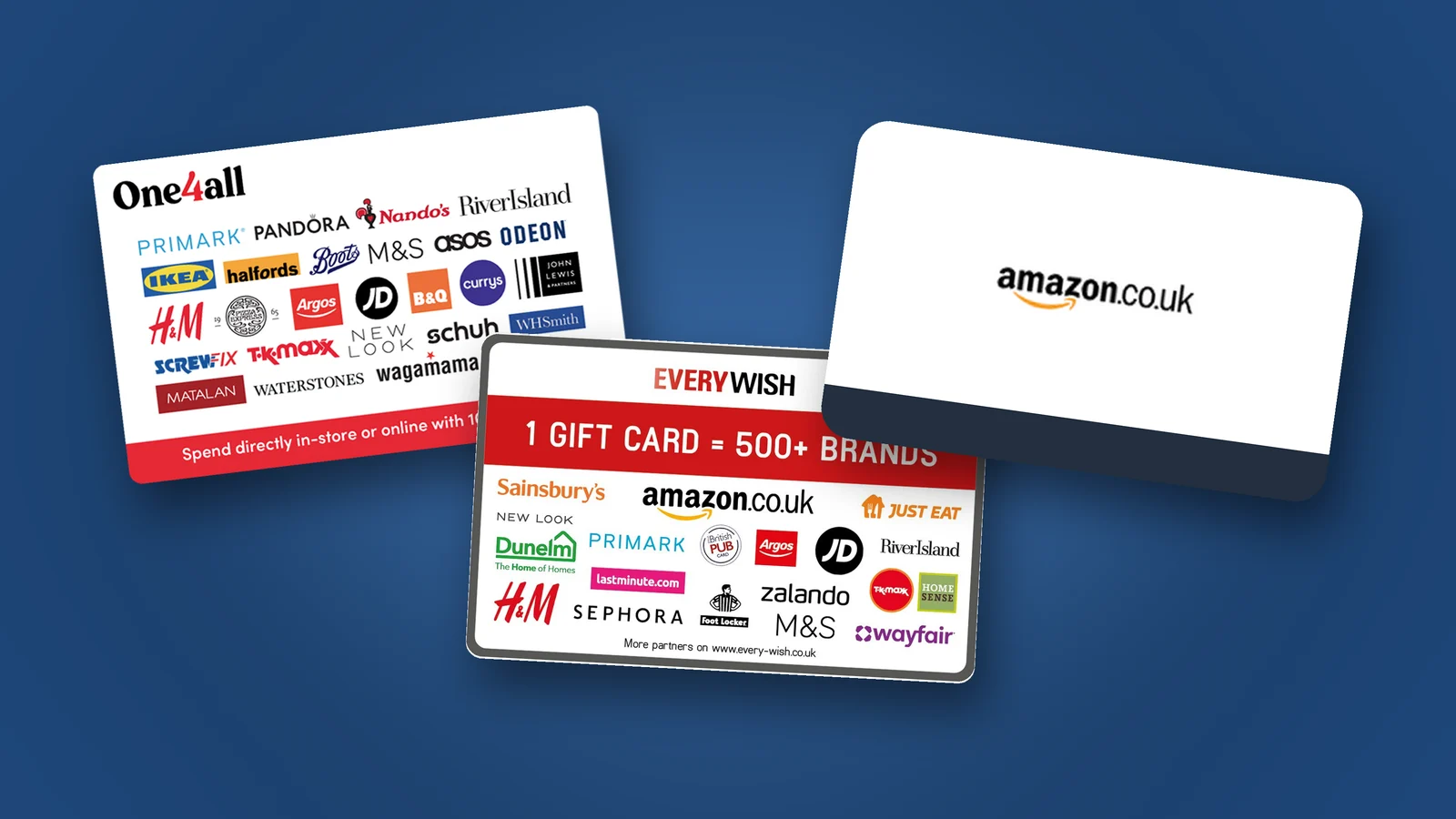
Amazon gift cards are difficult to find at a discount, but One4all gift cards aren’t. Although you can’t spend One4all cards on Amazon, you can spend them in Boots, where you can buy EveryWish gift cards that can be exchanged for Amazon credit.
I also earn cashback when buying the One4all card and when spending it in Boots.
 Bought with cashback
 Buy EveryWish with One4all+
 Exchange it for Amazon
 Credit in your account
Here’s what I do:
- Buy a discounted One4all gift card.
- Add it to One4all+ and link my card to Airtime Rewards.
- Buy an EveryWish gift card in Boots.
- Exchange EveryWish for an Amazon gift card.
With 5% cashback from TopCashback on the One4all purchase and 4% from Airtime Rewards at Boots, I’d get £100 of Amazon credit for £91.
I save even more through Complete Savings, which gives me discounted One4all cards through my older membership and 2% cashback on my Boots receipts.
I’ve explained the whole thing, including the simpler ways to get cheap Amazon credit, in my guide to buying discounted Amazon gift cards.
2. Get cashback on your Amazon shopping
TopCashback and Quidco offer cashback on Amazon devices, but not on most other things sold on Amazon.
There are a few other ways to get cashback though.
Rakuten
Rakuten offers £1 cashback on each of your first five qualifying Amazon orders.
I’ve used this alongside my discounted gift cards, earning cashback when topping up my Amazon balance and again when spending it.
Zilch
Zilch pays 2% in Zilch Rewards on Amazon purchases made using its Pay Now option. You can earn another 1% cashback by using a PayPal Debit Card to pay through Zilch.
I don’t use Zilch myself, but check the Amazon rate in the app before you buy.
Cashback debit and credit cards
If you’re paying for something directly on Amazon, you can use a cashback debit or credit card.
Check the offers section of your banking app too. American Express and other card providers sometimes have additional cashback offers at Amazon.
Amazon also has its own Barclaycard, which earns rewards that can be exchanged for Amazon gift cards.
TopCashback and Quidco payout bonuses
You can sometimes get a little extra by withdrawing your cashback as an Amazon gift card instead of cash.
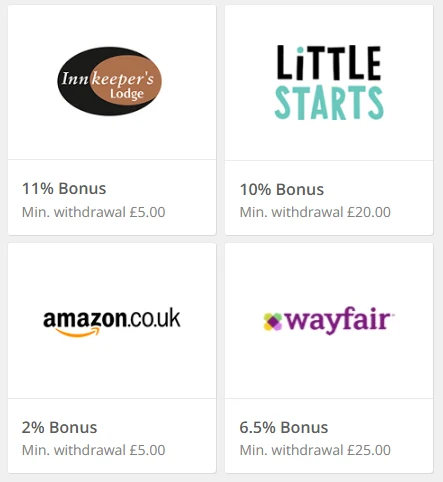
With a 2% bonus, £50 of cashback gets you £51 to spend on Amazon.
See my full guide to getting cashback at Amazon for more details and the latest offers.
3. Look for Amazon vouchers
Amazon regularly has vouchers giving you money off individual products.
These usually appear underneath the product price, and you need to tick the box to get the discount.
You can also browse Amazon’s vouchers page* to see what’s available.
I still pay for these purchases using discounted Amazon gift cards, so I save on top of the voucher discount.
4. Use Subscribe & Save
If you’re buying things like coffee, nappies, toiletries or cleaning products, check the Subscribe & Save* price.
You can save up to 15% on eligible products, and there are sometimes additional vouchers for your first delivery.

You don’t have to keep the subscription. If you don’t need any more of the product, you can cancel future deliveries through your Amazon account*.
Just remember to do it before your next order is processed.
5. Check Amazon’s price history before buying
Something being advertised as a deal doesn’t necessarily mean it’s cheap.
You can use Keepa or camelcamelcamel to see how the price of a product has changed over time.
Both are useful during Black Friday and Prime Day, when seemingly large discounts aren’t always particularly good.
You can also set up price alerts if you’re happy to wait for something to get cheaper.
6. Check Amazon Resale, Renewed and Outlet
There are three sections of Amazon worth knowing about:
- Amazon Resale: Returned and open-box products.
- Amazon Renewed: Refurbished electronics, including phones and laptops.
- Amazon Outlet: Clearance and overstock products.
If you’re buying something expensive, look for a cheaper open-box or refurbished version.
Check the description and condition of the product before buying.
7. Look for personalised Amazon offers
Amazon sometimes gives selected customers discounts or promotional credit for doing things like using the Amazon app.
These offers don’t appear on everyone’s accounts.
I tend to check HotUKDeals for Amazon promotions, as people often share links that let you check whether your account is eligible.
8. Get 5% cashback with Amazon Prime Student
If you’re a student or aged 18–24, you can get 5% cashback on selected Amazon products.
I’ve earned £16.96 so far, with another £1.68 pending.
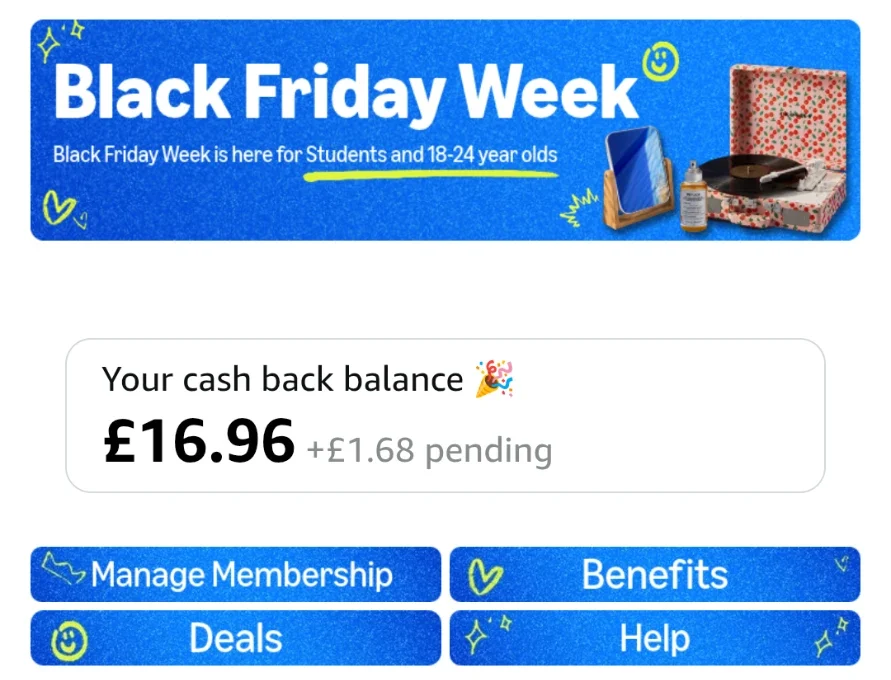
Eligible new members also get six months of Prime for free, followed by half-price membership.
See my guide to Amazon Prime Student and its 5% cashback offer, or join Amazon Prime Student*.
9. Get 15% off baby products with Amazon Baby Wishlist
If you’re having a baby, set up an Amazon Baby Wishlist*.
Amazon gives you 15% off eligible products bought from your wishlist, up to £300 off in total.
I’m using it myself and have been getting another 15% off Amazon’s Black Friday prices.
There’s also a free welcome box when you spend £20 on eligible baby products.
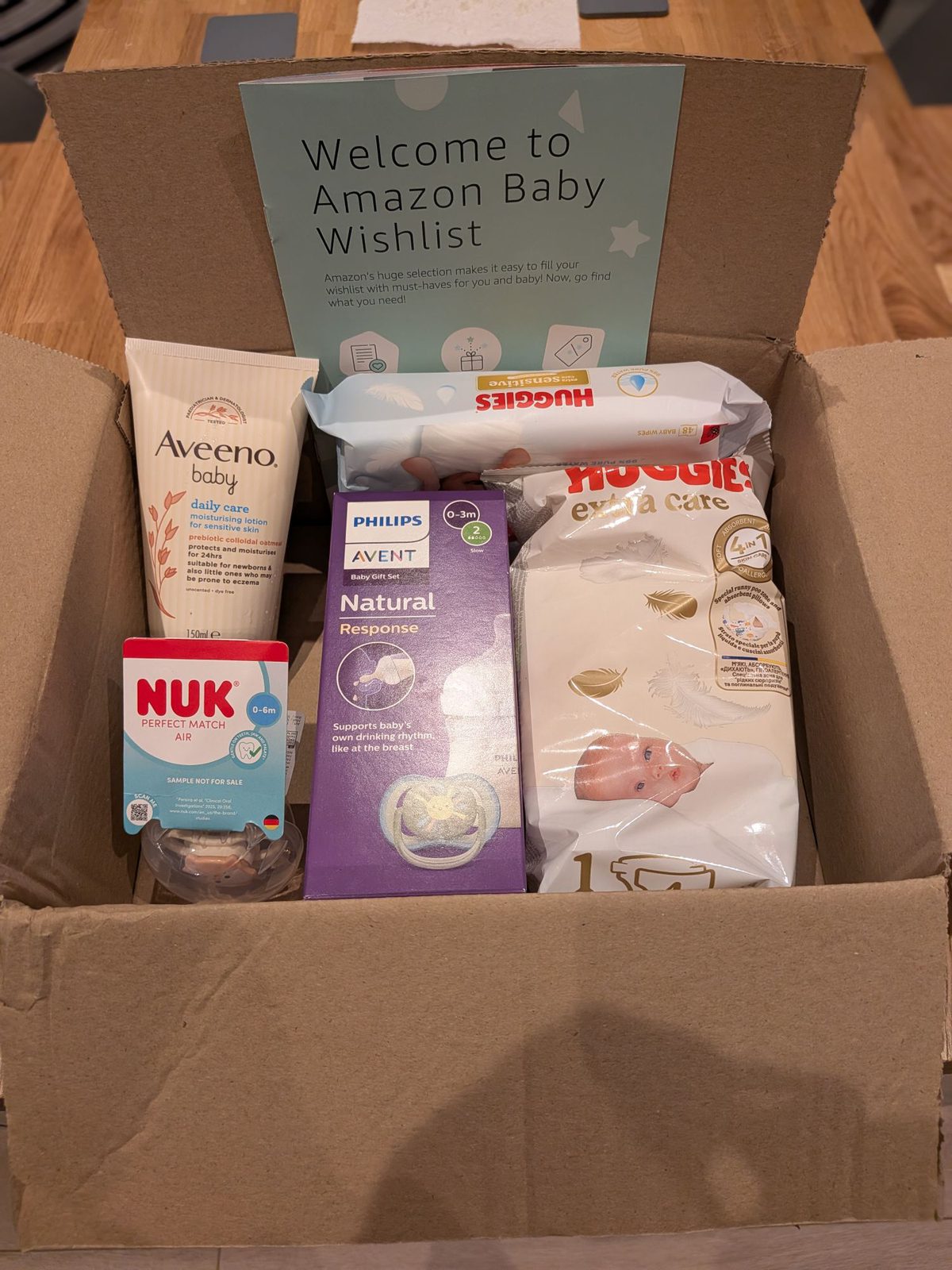
You can pay for your baby shopping using discounted Amazon gift cards too.
See my Amazon Baby Wishlist guide for instructions and screenshots showing how to get both discounts.
10. Get a £50 Amazon Wedding List gift card
Amazon has offered couples a £50 gift card when their guests spend more than £750 on qualifying gifts from their Wedding List*.
If you’re getting married and were planning to have a wedding gift list anyway, it’s an easy £50.
See my Amazon Wedding List guide for details of the offer.
11. Get paid to try Amazon Prime
Some reward websites pay you to sign up for a free trial of Amazon Prime.
Gemsloot has offered $4.50 just for starting the free trial.
Watch out for offers that require you to pay for a month of Prime. They might advertise a bigger reward, but you’ll often make less once you’ve paid for the subscription.
I keep track of the offers in my guide to getting paid to sign up for Amazon Prime.
12. Get paid to try Amazon Prime Video channels
Once you’ve got Prime, you can also get paid to try additional channels like Paramount+, hayu and Shudder.
I made £11 doing six of these offers through OhMyDosh (now Custard) a few years ago.

You can still get paid to try some of these channels today.
See my Prime Video channel free trial guide for the current offers.
Reward sites also sometimes pay for Audible, Kindle Unlimited and Amazon Music Unlimited trials.
13. Pay less for Amazon Prime
If you use Prime all year, it’s cheaper to pay annually.
| Prime membership | Cost |
|---|---|
| Monthly | £8.99 |
| Twelve monthly payments | £107.88 |
| Annual | £95 |
| Saving by paying annually | £12.88 |
But if you only use Prime a few times a year, you could save more by only paying for the months you need it.
You don’t need Prime to get free standard delivery on qualifying Amazon orders either.
14. Trade in old Amazon devices
If you’re replacing a Kindle, Echo or Fire tablet, check whether Amazon has a trade-in offer.
You might get an Amazon gift card for your old device as well as a discount on the new one.
Compare what Amazon offers with what you could sell your old device for elsewhere.
15. Check whether Amazon is actually cheapest
It’s easy to get into the habit of buying everything on Amazon, especially if you’ve got Prime.
But even with discounted gift cards, Amazon isn’t always the cheapest place to shop.
Check the price elsewhere and use my cashback comparison tool to see whether you could get a better deal at another shop.
More Amazon savings guides
I’ve written more detailed guides to some of the methods above:
MoneySavingExpert’s guide to Amazon buying tricks is also well worth a read.